

Creative web design can help a business explain its offer and make a memorable impression. It can also introduce navigation, rendering or performance problems when the visual idea takes priority over the visitor’s task. The effect needs to be assessed from the finished implementation.
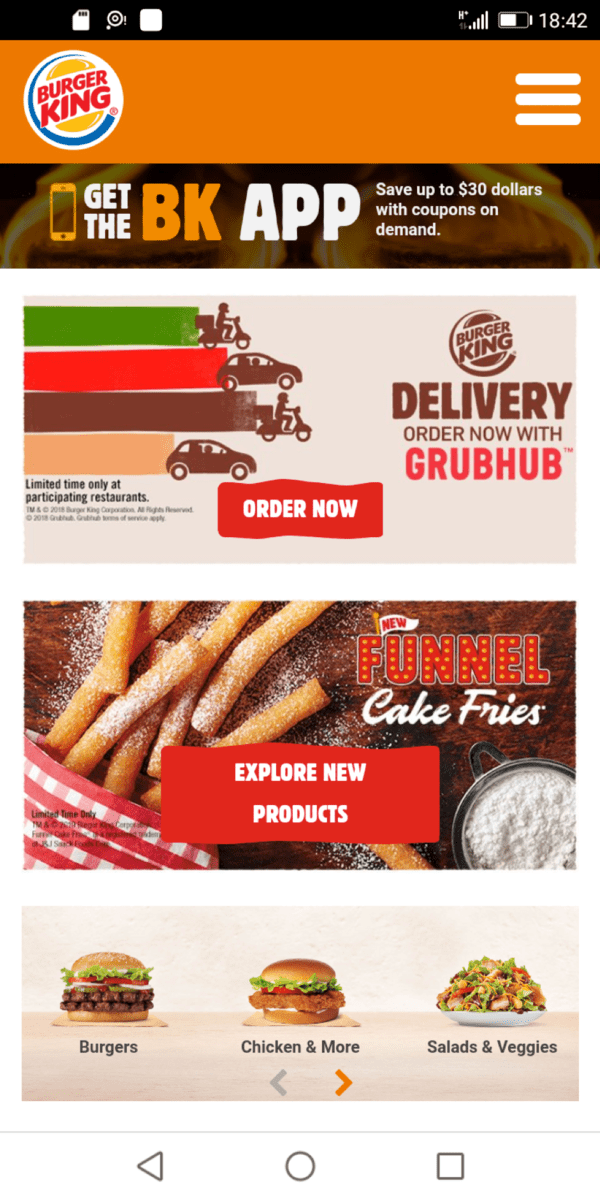
This guide explains how to review a design for search access and usability. The illustrations retained from the original 2019 article are historical examples. They show earlier interfaces and should be used to discuss design ideas rather than infer the current behaviour of those websites.
Start with the customer’s task
Identify what people need to understand and do. A product catalogue, a portfolio and a professional service have different journeys. Give the designer the relevant content, constraints and actions early, rather than testing a finished visual concept with placeholder text.
Ask someone from the intended audience to find information and complete a defined task. Observe the route, the labels they interpret and the point at which they hesitate. A preference for one visual style is useful feedback, but it is different from evidence that a task works.
Keep navigation understandable and crawlable
Distinctive menus can work when the labels, controls and destinations remain clear. Check keyboard use, mobile behaviour, expanded states and direct arrivals on an internal page. A visitor may never see the homepage introduction that explains the design concept.
Google’s link guidance describes the importance of usable link markup. Test the actual navigation output, including category routes and contextual links. Do not assume a visual menu creates the same discoverable destinations as normal links to real pages.
Build a structure around meaningful subjects and tasks. A page should have a reason to exist and a sensible route from related content. A sitemap can help discovery but should not be the only way an important page is connected to the site.
Make the content work without the visual effect
An animation or interactive component should support the explanation. Keep important information available in text and provide useful alternatives where media carries meaning. Test what happens when an interaction is unavailable, slow or used with a keyboard.
Use appropriate headings and labels. A decorative heading made entirely from an image can be harder to adapt, translate or access. A short visual slogan may need a clear supporting explanation so someone arriving from search understands the offer.
Test JavaScript output rather than judging the framework
Google documents how it processes JavaScript. The practical question is what the implementation renders: main content, links, status codes and metadata. Check representative pages and states, especially where content appears only after an interaction or a data request.
Do not assume every dynamic interface is invisible to search engines. Equally, do not assume that a working visual preview proves every route and product detail is available as intended. Use rendered inspection and a crawl alongside manual journey checks.
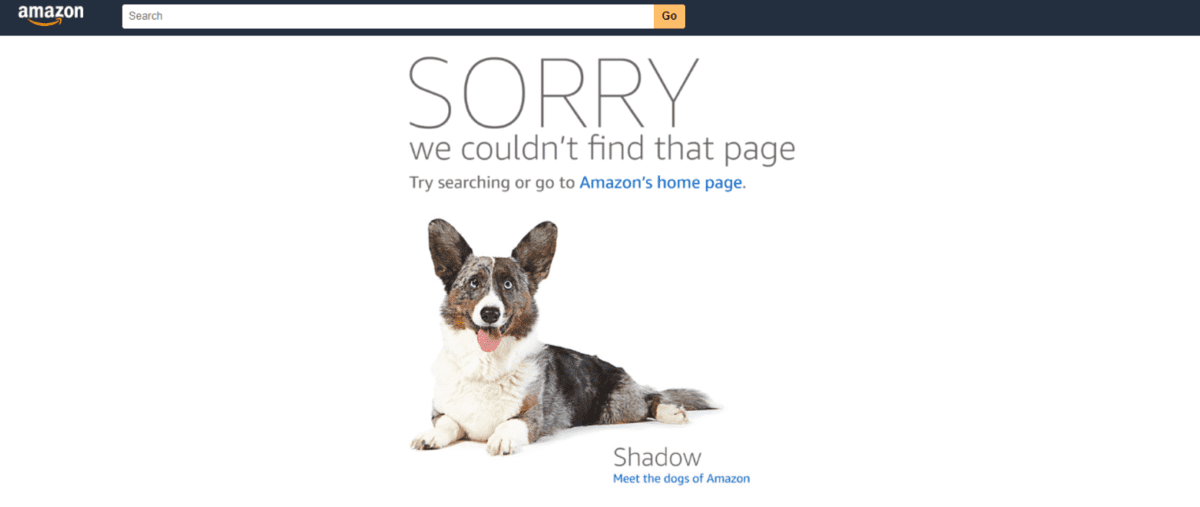
Keep error handling honest. A missing product or invalid URL should produce an appropriate response and useful recovery route. Showing a full-looking page for every error can conceal the problem from visitors, monitoring and search diagnostics.
Design clear focus, contrast and controls
Make interactive elements recognisable and usable. W3C’s explanation of visible focus is useful when reviewing a distinctive interface. Check the focused state as deliberately as the hover state, and include dialogs, menus and embedded controls.
Review text against the background and test actual content lengths. Contrast guidance can support that review. Brand colour and typography choices need to work in real situations, including small labels, errors and disabled states.

Measure performance on real templates
Images, fonts, animation and third-party scripts can affect the experience differently across pages. Test an article, listing, product, service page and form where those templates exist. Identify the actual source of delay or movement rather than removing design elements indiscriminately.
Use available field data and controlled lab diagnostics for different purposes. A lab run can reveal a problem worth investigating, while real-user information helps assess how widespread it is. A single score does not establish the quality of the whole design or guarantee a ranking outcome.
Keep the business outcome visible. A visually simpler page that hides essential buying information may perform worse for the customer’s task. Test changes against successful enquiries, orders or other relevant actions as well as speed and search measures.
Protect the site during a redesign
| Design change | Risk to examine | Acceptance check |
|---|---|---|
| New navigation | Important pages lose useful links | Priority destinations remain reachable |
| New URL structure | Existing destinations move or disappear | A relevant migration map is implemented |
| New template | Main content or metadata changes | Representative rendered pages are correct |
| New media | Delays or unstable layout | Relevant diagnostics and journey tests pass |
| New forms | Enquiries stop or tracking misfires | A test submission reaches its destination |
Google’s site-move documentation can inform a URL migration plan. Keep the mapping tied to the content and the visitor’s need. A blanket redirect to the homepage is not a substitute for deciding which destinations genuinely replace the old pages.
Record the baseline and the release. If traffic, enquiries or performance change, the team needs to know which templates, settings and measurement code changed. Agree the rollback conditions for a material failure before launch.
Brief design and SEO as connected work
Include the designer, developer, content owner and search adviser in the same acceptance plan. Define the task and the technical output together. This helps avoid a situation where one supplier approves appearance while another later discovers that valuable content or links have disappeared.
Use our website audit guide to collect evidence before a redesign and our design problem checklist for common diagnostic routes. Commission a complete redesign when the evidence supports it, rather than using it as the default response to every ranking change.
Frequently asked questions
Is a visually unusual website bad for SEO?
Not automatically. Review whether its pages, content and links are available and whether people can complete important tasks. The implementation matters more than the label “creative”. A distinctive design can work well when accessibility, performance and clear information are part of the brief.
Should design or SEO come first?
Start with the audience, content and business requirements, then plan design and technical behaviour together. Search requirements should not be an afterthought added to a finished interface. Equally, a technical checklist should support a useful visitor experience rather than replace the design brief.
Can a redesign reduce traffic?
It can if valuable URLs, content, links or technical settings change in harmful ways, although other causes must also be investigated. Record the baseline, plan necessary moves and test representative pages. Review measurement and conversions as well as search traffic after release.